Who read what, and what to do about it
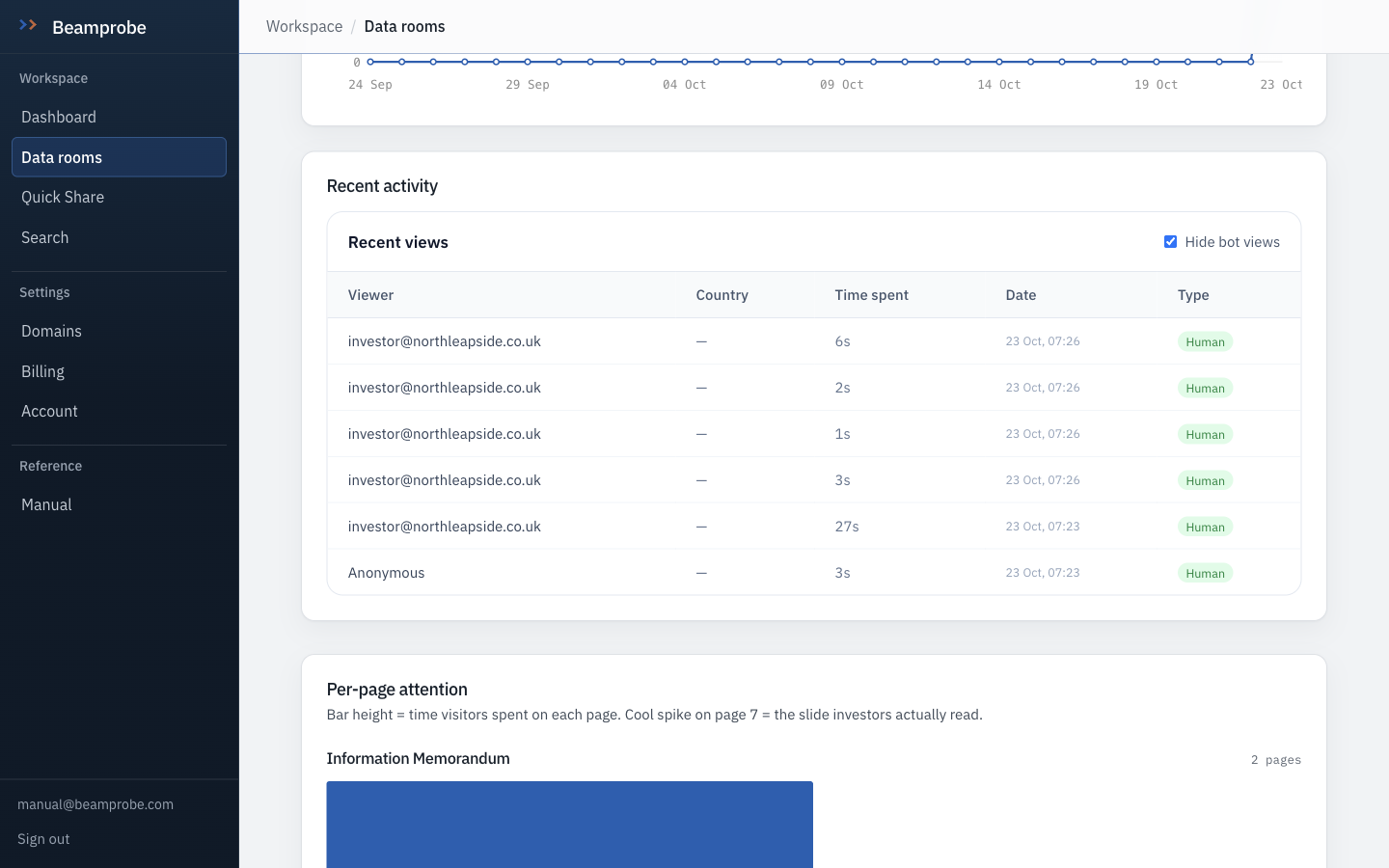
Analytics are only worth opening if they change what you do next. Three numbers here justify the page: pages read, time on the model, and the gap between the room someone opened and the room they stopped at.
-
Analytics for the room
Views, unique visitors, the documents that held attention and the ones nobody opened. Days of history depend on plan: seven on free, ninety on pro, a year on business.
Watch One visit that read 40 pages is worth more than ten visits that read two.
-
Per-page attention
Attention is recorded per page, so you can see whether anyone reached the debt schedule or stopped at the cover. On a live process this is the difference between a bidder who is working and one who is browsing.
Do this If a bidder has read the model and the contracts but not the compliance folder, call them about compliance. That is the deal breaker they have not written yet.
-
Search across every room
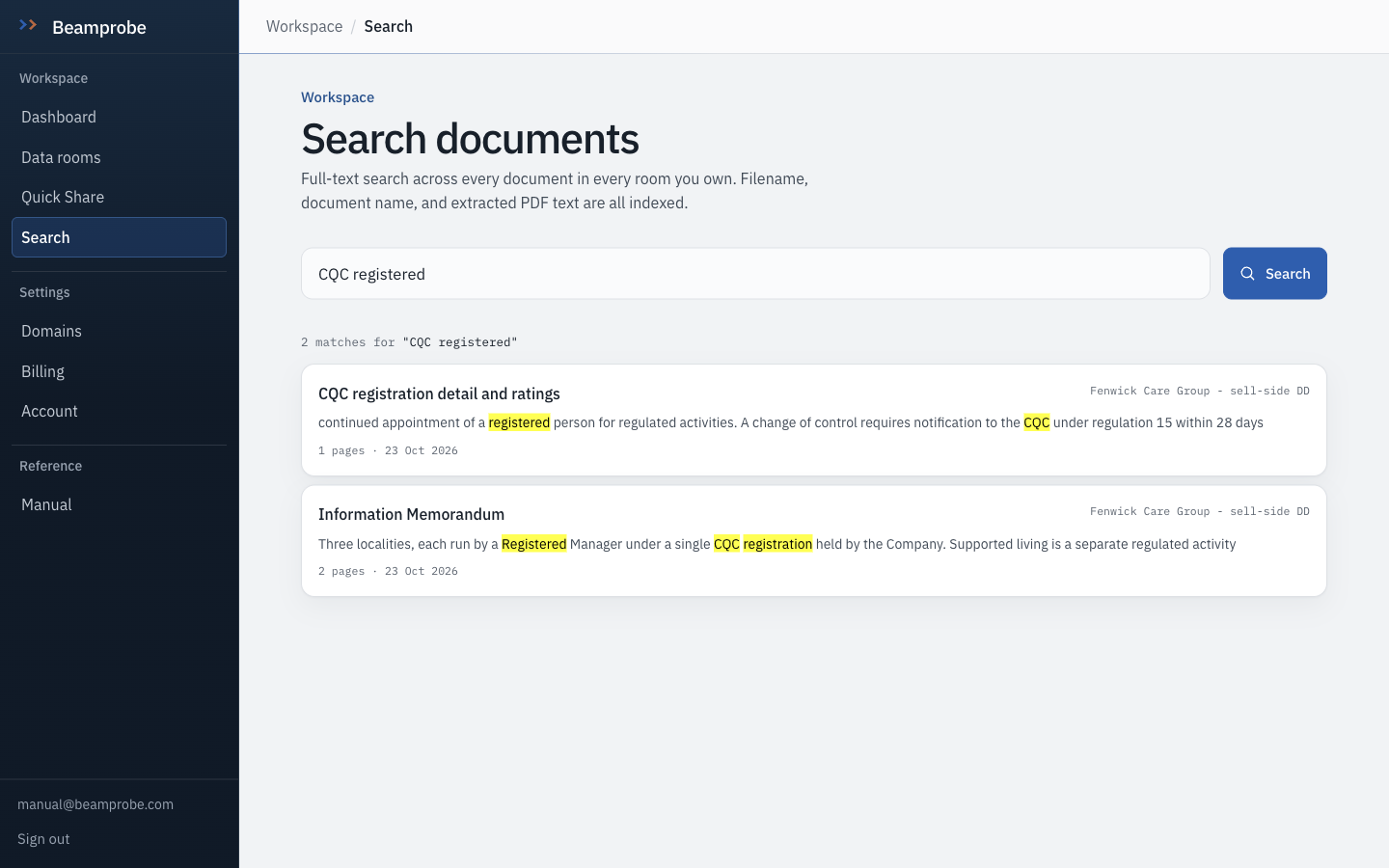
Search runs over extracted text in all your rooms. Useful mid-process, when you have three deals open and cannot remember which one had the CQC action plan in it.
Watch Text is extracted at upload. A scanned document that arrived as an image has nothing to extract and will not be found.
-
The NDA log, again, because it earns its place
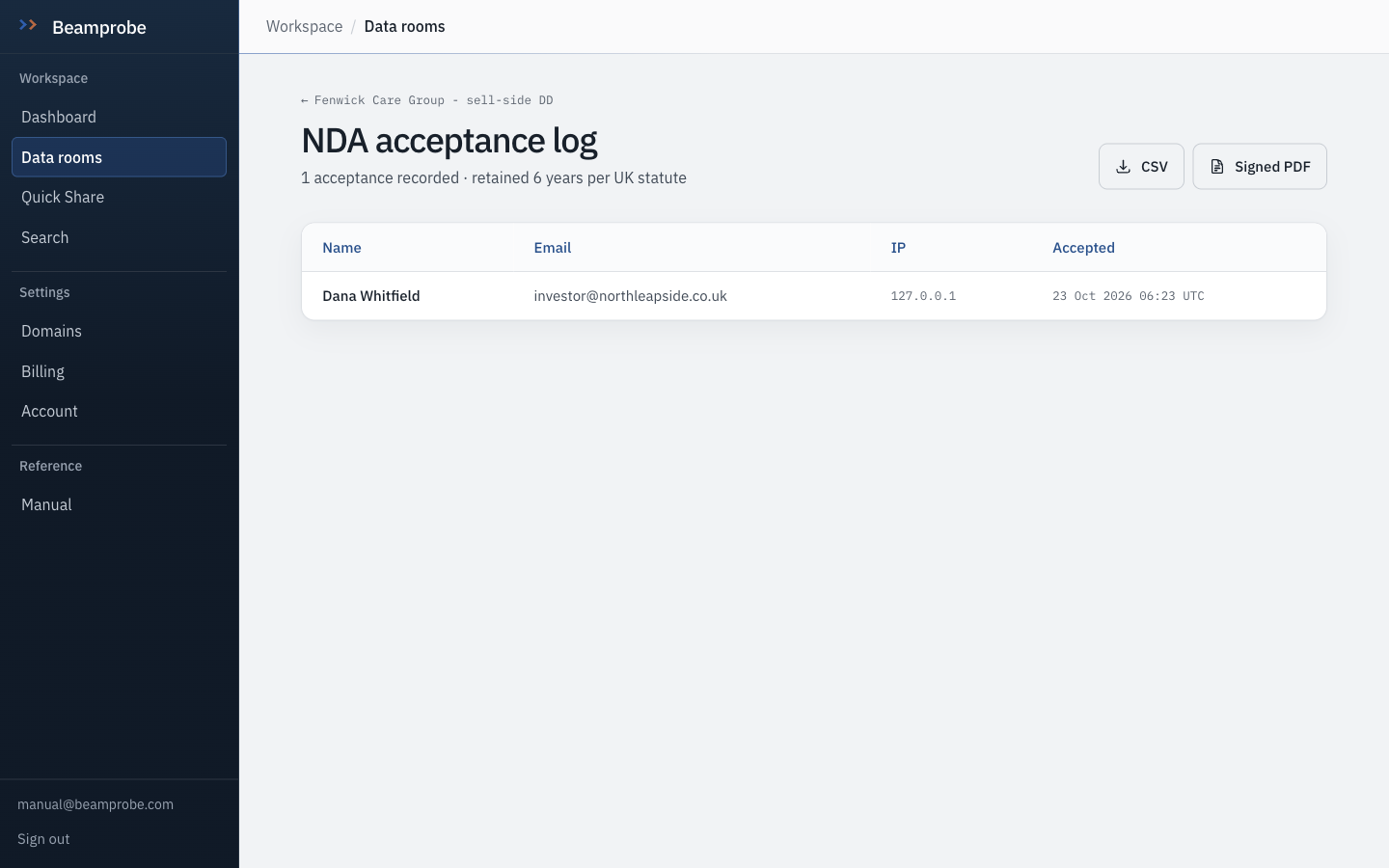
The log is also the cleanest list of who is actually in the process. Anyone whose acceptance is dated but whose views stopped is a bidder who walked, and you will hear about it later than you want to.
Do this If a name in the log has not opened anything in four days, send a question rather than a reminder. Reminders get ignored.
-
Put the room in a public showcase, deliberately
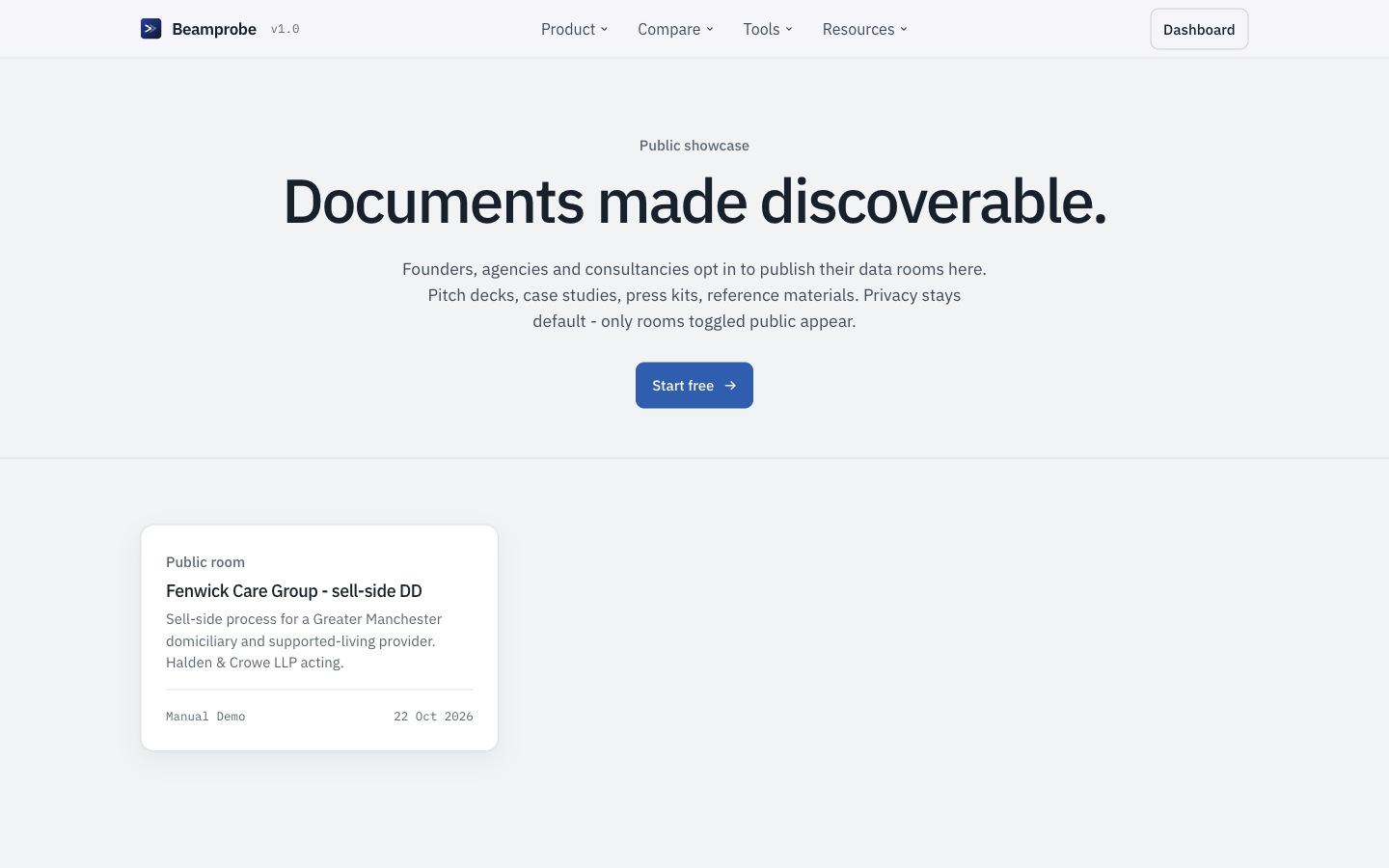
A room can be published to a public index of rooms you choose to show. Useful as a specimen for the next process and as a live example on your own site, which is why this manual's demo room is published there.
Watch Public means public, including to search engines. Never publish a live process.
- □ You can name the three most engaged visitors without opening the tool
- □ Every accepted NDA with no views has had one follow-up sent
- □ A room that has gone stale has been closed rather than left open
- Email on view is off by default and costs you a trial opt-out if you turn it on, because every open sends a message.
- The weekly digest is a per-account opt-out, and it is the only place several rooms are compared in one view.