Your first room, start to shared link
Create a room, put files in it, file them under a folder, then send a link that records who looked at what. Everything on this page was done in one sitting on the free plan.
-
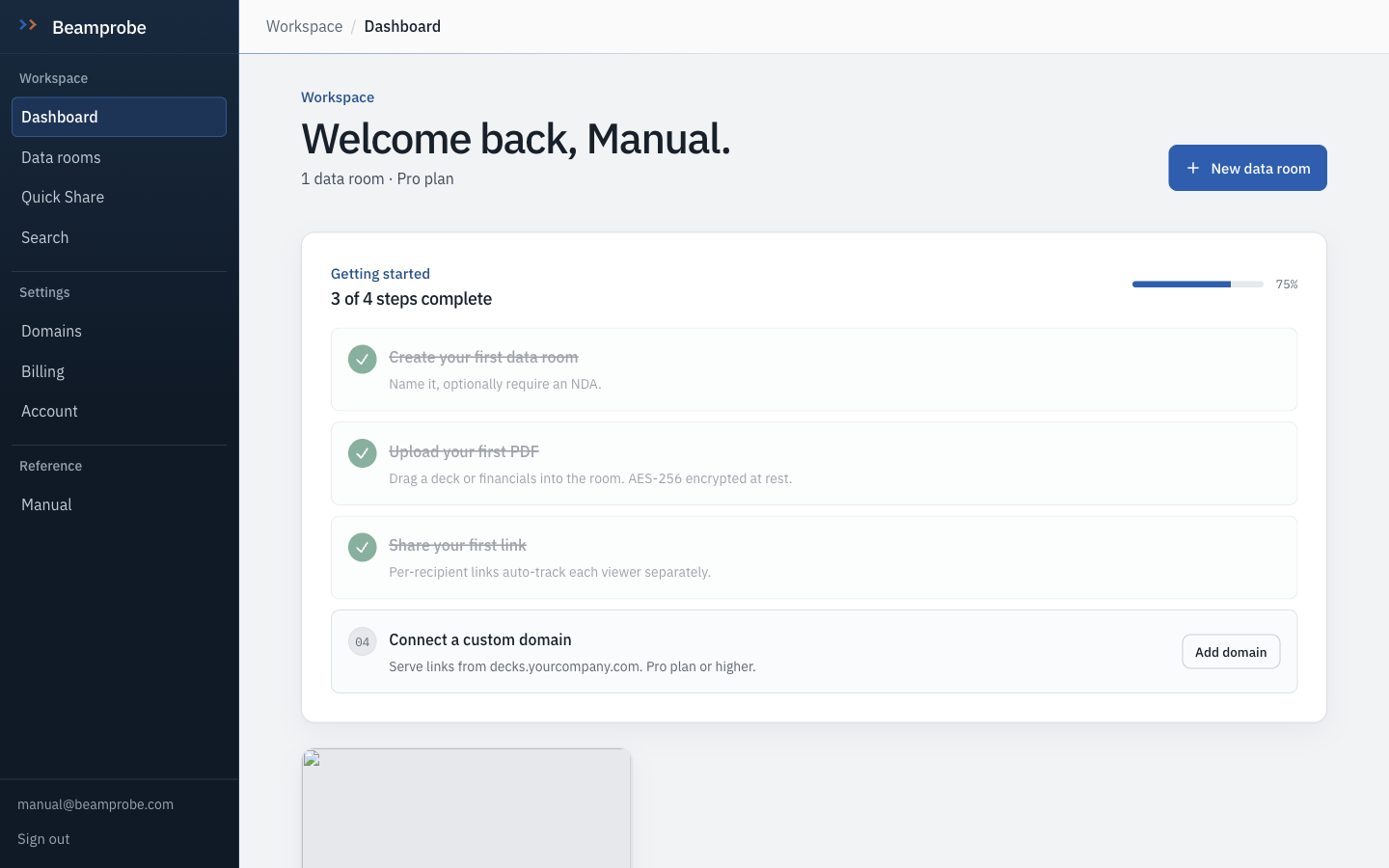
Sign in and land on the dashboard
The dashboard counts what matters on day one: rooms, documents, active links and views in the last seven days. If a number here is wrong, it is because something upstream did not finish, not because the display is stale.
-
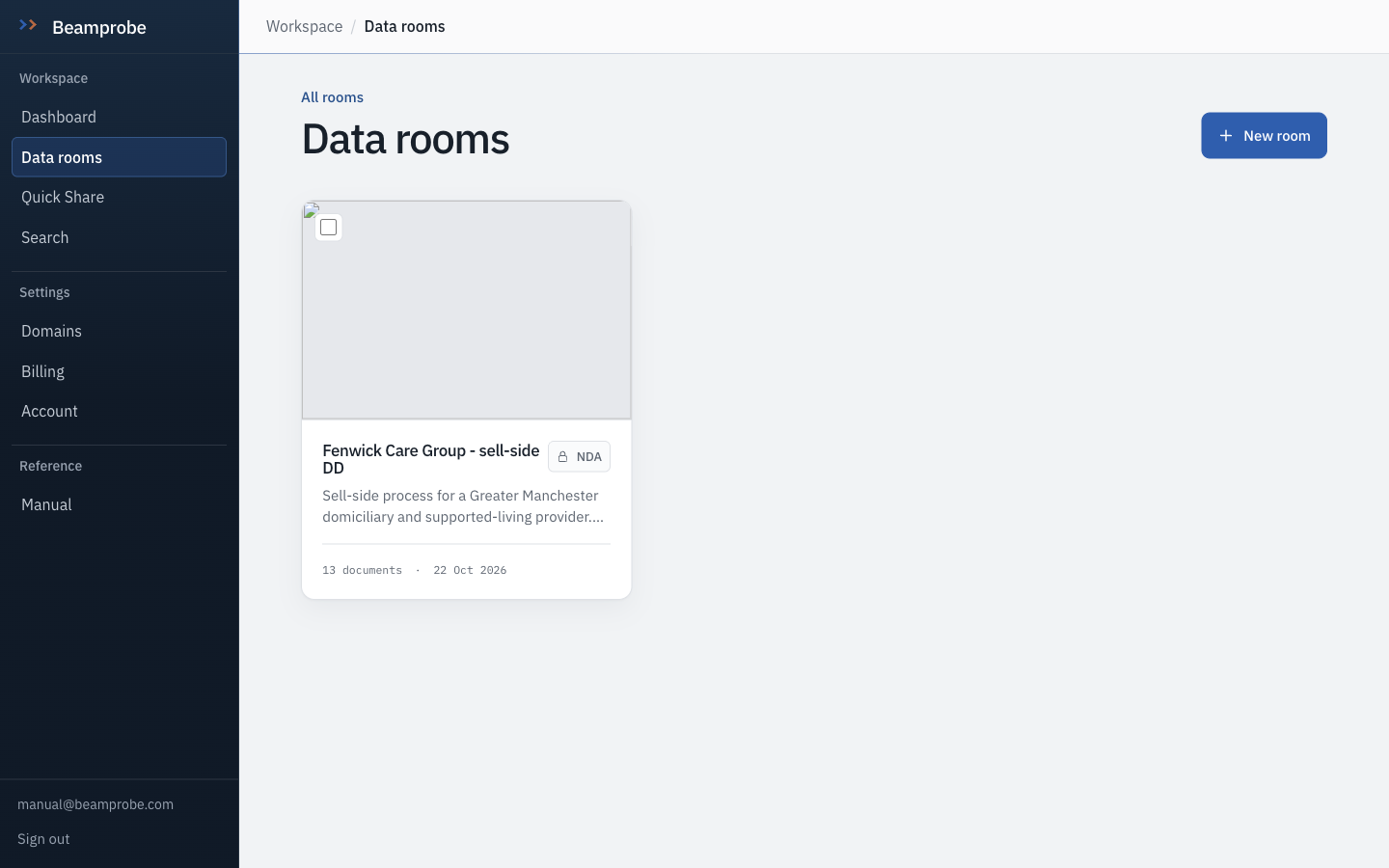
Open the data rooms list and start a new room
The list is sorted by most recently touched. Each card carries the document count, whether an NDA gate is on, and the last view recorded, so you can tell a live process from a parked one without opening it.
Watch Free is one room and ten documents. Delete a room before you need the slot back.
-
Name the room after the deal, not the company
This room is called Fenwick Care Group - sell-side DD. Two months from now you will have three processes running and a name like New Data Room will tell you nothing. The description line is what your share invite text and email subject will draw on.
Do this Company - side of the deal - date. For example Acme Holdings - buy-side DD - Nov 2026.
-
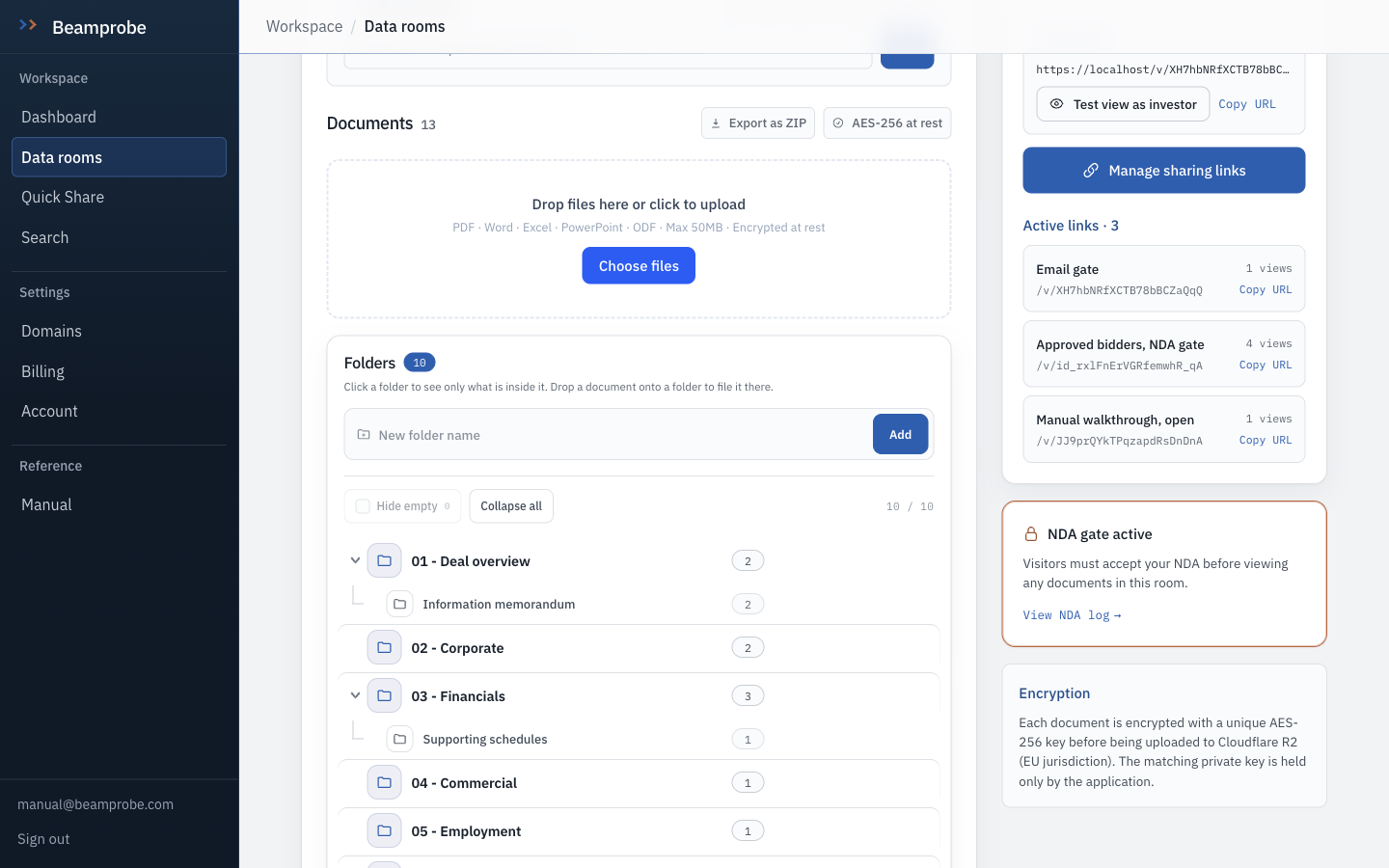
Drop files on the zone, or click Choose files
Uploads accept PDF, Word, Excel, PowerPoint and OpenDocument, to 50MB each. Anything that is not a PDF is converted to one on the way in, so the other side never sees a Word file with tracked changes in it. The zone is the whole dashed box, not just the button.
Watch CSV is not an upload type. Print a spreadsheet to PDF, or paste the figures into a document, otherwise you cannot track pages or watermark it.
-
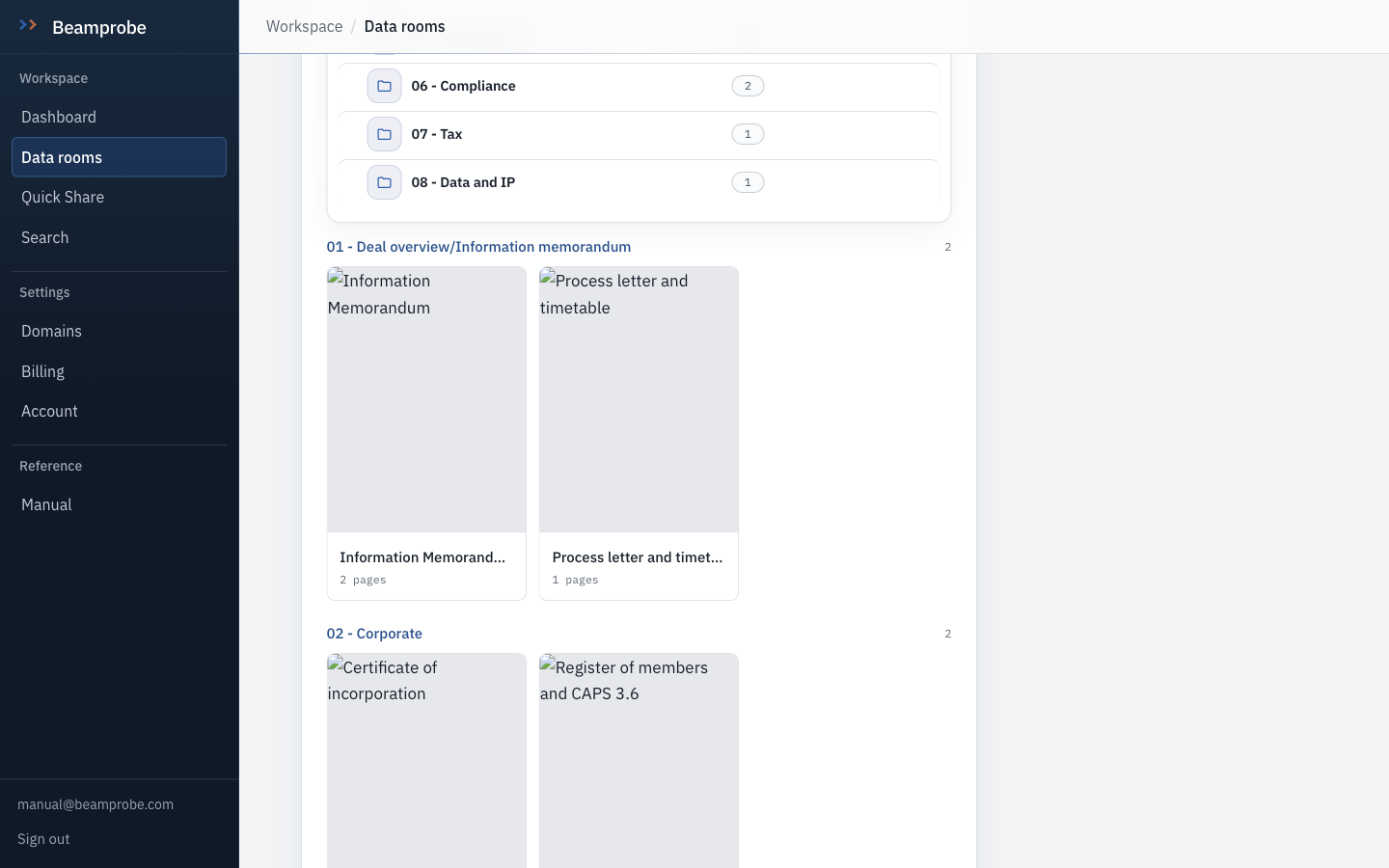
Watch a file become pages
After upload the document is processed: page count read, one image per page rendered, text extracted so search and the Q&A function can use it, thumbnail made. A 60-page pack takes about ten seconds. The status chip goes from processing to ready, and a document that is not ready is not visible to a visitor.
-
Copy the room link out of the Share panel
Every room gets a link the moment you make it. Copy URL, paste it into your own private window and look at it as the other side would. Test view as investor does exactly that, in a tab, without recording a view against your real recipients.
Watch A new room's link has no gate on it. Set the NDA before you send anything, not after.
- □ Room appears in the list with the right document count
- □ At least one document shows ready, not processing
- □ The link opens in a private window and shows the file
- □ You have seen your own room as a visitor saw it